Mobile APP Training
Smart Campus
In Your Pocket
"Powered by IQwing EduInfotech – Delivering cutting-edge digital solutions to transform educational management into a seamless, paperless experience."
Download NowLogin Process
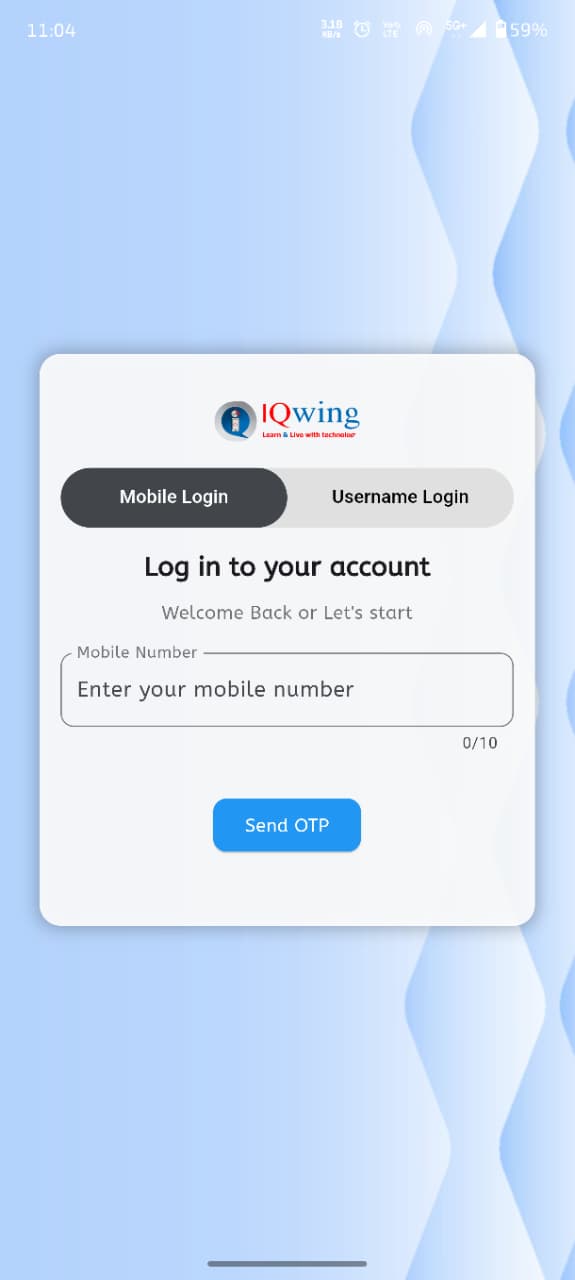
Open the app and login using your Registered Phone Number. You will receive an OTP for access.
- Enter Mobile Number -> Get OTP
- If OTP is not received or number shows "Not Registered", please contact the IT Team via email. Your data will be added from the backend.
App Dashboard
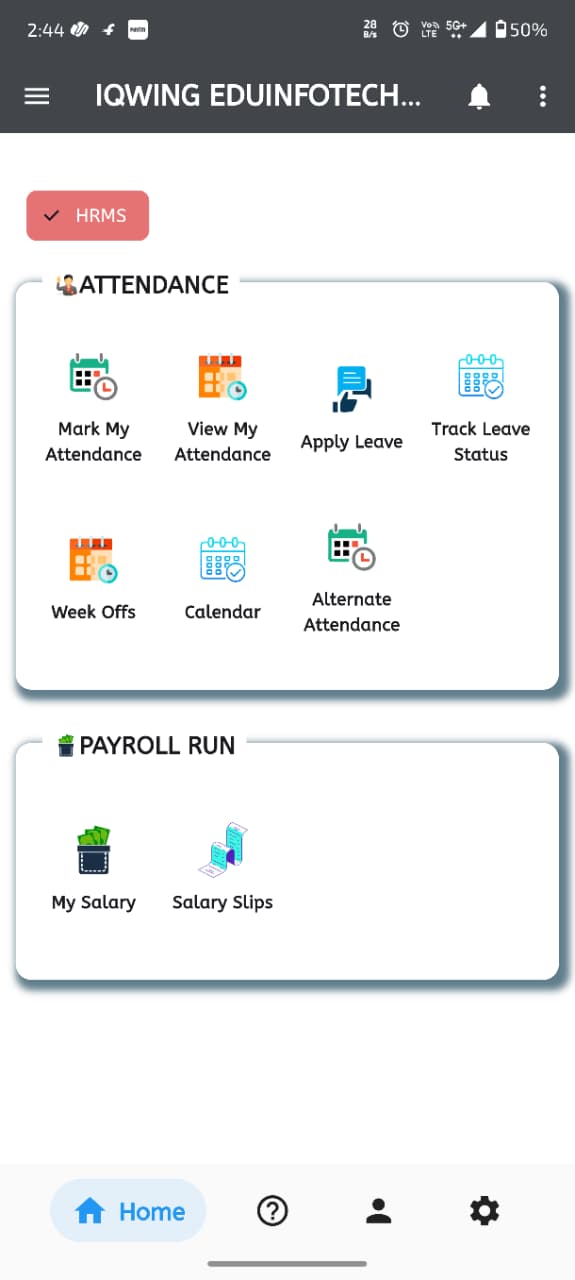
The App UI provides quick access to all essential modules.
View Attendance
Users can filter and view their complete attendance history.
- Apply filters by Month and Year.
- Check detailed Present/Absent status.

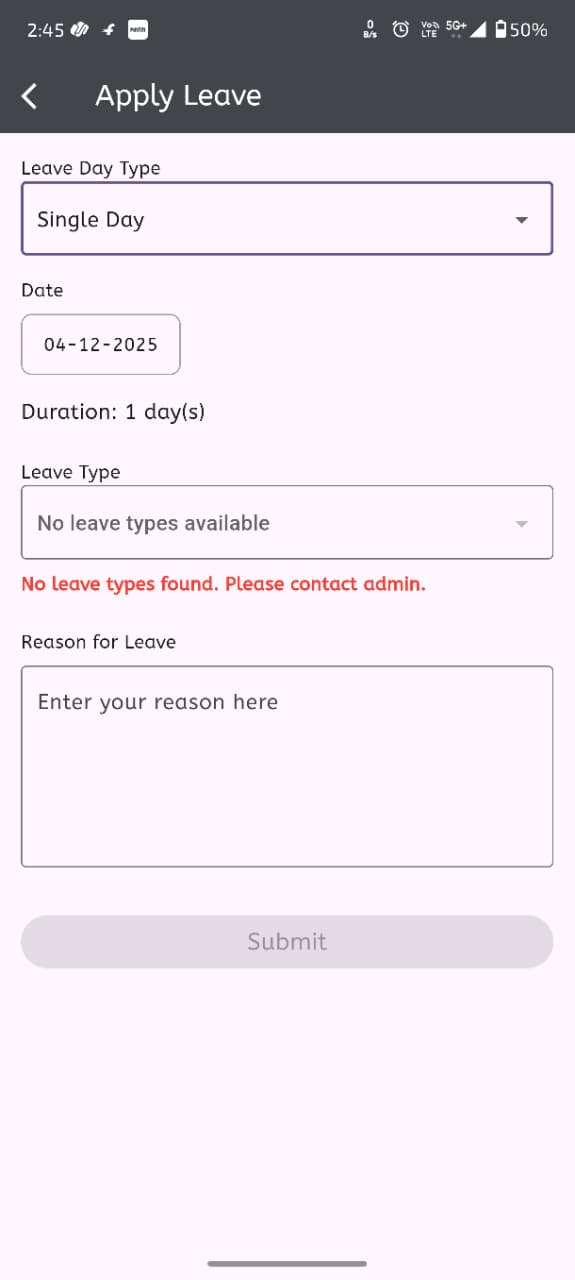
Leave Rules & Logic
Holiday Policy
University declared holidays (e.g., Sunday) added by IT team are considered Week Offs.
Example: If you apply from 11th (Sat) to 13th (Mon), and 12th is Sunday, only 2 days of leave will be counted.
Documentation
For Medical Leave or Duty Leave, uploading a supporting document is mandatory for verification.
Payroll Impact
If the leave nature is "Unpaid", salary will be deducted automatically based on the payroll cycle.
(e.g., 30 Days - 1 Unpaid Leave = 29 Days Salary).